
IPTV Storing
Xtream Codes werkt niet & IPTV storing oplossen
IPTV werkt niet, buffert of toont een foutmelding? De meeste storingen hebben een eenvoudige oorzaak: internet, app-instellingen of een tijdelijk kanaalprobleem. Deze gids helpt je stap voor stap terug naar stabiel streamen in Nederland.
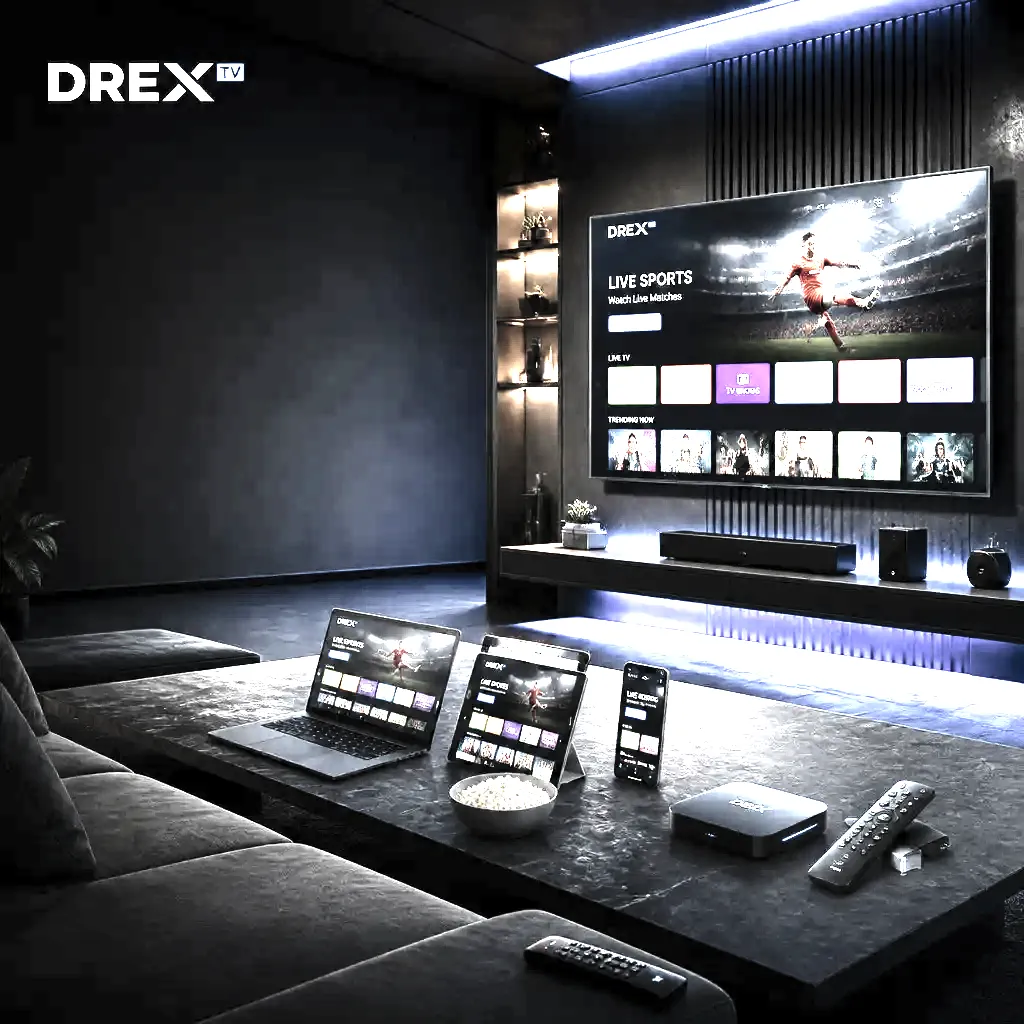
Xtream Codes werkt niet — snelle checklist
Controleer gebruikersnaam, wachtwoord en server-URL exact (hoofdlettergevoelig, geen spaties of enters). Update de IPTV-app, herstart je apparaat en test op een tweede scherm. Blijft de fout? Vraag support om je lijn te checken of je gegevens te resetten. Dit lost de meeste "Xtream Codes werkt niet"-meldingen in Nederland op.
Buffering en bevriezen
Buffering is meestal een netwerkprobleem. Doe een snelheidstest op het streamapparaat. Is de snelheid te laag: dichter bij de router, 5 GHz Wi-Fi of Ethernet. Herstart router en apparaat, sluit andere apps/downloads. Buffert slechts één kanaal? Dan is het vaak tijdelijk aan de bron — wissel van zender.
Login- of authenticatiefouten
Zegt de app 'login failed', 'user not found' of 'invalid credentials'? Controleer de gegevens zorgvuldig. Gebruikersnaam en wachtwoord zijn hoofdlettergevoelig. Geen spaties aan het eind. Bij een M3U-URL: plak hem volledig op één regel. Blijft het mis? Vraag support om een reset of bevestiging dat je lijn actief is.
Zwart scherm of geen beeld
Zwart scherm op één kanaal betekent meestal dat de bron tijdelijk offline is. Probeer een ander kanaal. Zijn alle kanalen zwart? Update de app, maak geheugen vrij, herstart en wis de cache. Wissel desnoods de video-decoder in de app-instellingen.
Geen geluid of audio uit sync
Check volume en invoer van TV/soundbar. In de IPTV-speler: wissel van audiotrack als er meerdere talen zijn. Bij syncproblemen: audio-offset in de speler. De stream herstarten lost kleine syncfouten vaak op.
App crasht of trage interface
Oudere apparaten met weinig RAM hebben moeite met grote playlists. Probeer een lichtere speler zoals IPTV Smarters Pro of XCIPTV. Verlaag het aantal geladen groepen. Herstart het apparaat en sluit achtergrondapps.
EPG ontbreekt of klopt niet
De programmagids heeft vaak een aparte EPG-URL. Zet de EPG-bron aan in je speler. Sommige apps laden EPG automatisch; andere vragen een aparte link. Klopt de gids niet? Ververs in de app-instellingen en controleer de tijdzone (Europe/Amsterdam).
Wanneer contact opnemen met support
Heb je bovenstaande stappen geprobeerd en werkt het nog niet? Neem contact op. Vermeld apparaatmodel, app, exacte foutmelding en of het alle kanalen of één kanaal betreft. Dan kunnen we sneller helpen.
FAQ
Veelgestelde vragen
Antwoorden over IPTV Nederland, abonnementen, apparaten en support. Staat je vraag er niet bij? Ons team helpt 24/7.
IPTV storing betekent dat je stream niet werkt: buffering, login errors, zwart scherm of 'channel offline'. Meestal ligt het aan je internet, app-instellingen of een tijdelijk kanaalprobleem. Volg de stappen op deze pagina om het binnen enkele minuten op te lossen.
Controleer of gebruikersnaam, wachtwoord en server-URL exact kloppen (hoofdlettergevoelig, geen spaties). Herstart de app, update naar de nieuwste versie en test op een ander apparaat. Werkt het nog steeds niet? Neem contact op met support — we resetten je gegevens of controleren of je lijn actief is.
Dit betekent dat het specifieke kanaal tijdelijk offline is bij de bron. Probeer een ander kanaal. Werken andere kanalen wel, dan is het geen probleem met jouw abonnement of internet. Wacht een paar minuten en herlaad de zenderlijst.
Sommige kanalen hebben tijdelijke bronproblemen. Probeer een ander kanaal of wacht enkele minuten en ververs de playlist. Zie ook onze buffering-gids als het probleem vaker voorkomt.
Ja. VPNs kunnen je verbinding vertragen of login laten falen. Schakel de VPN uit of kies een server dicht bij Nederland en test opnieuw.
Een simpele herstart van je streamapparaat en router lost veel tijdelijke problemen op. Begin altijd hiermee voordat je dieper troubleshoot.
Klaar om alles op één plek te streamen?
Kies een IPTV-abonnement, ontvang je login binnen minuten en kijk 20.000+ zenders op elk apparaat. Geen contract — vraag een gratis proefperiode aan.