
Arabische IPTV · Nederland
Arabische IPTV in Nederland — zonder schotel
Kijk Arabisch nieuws, series, sport en kinderkanalen via internet. Geen schotel — op Smart TV, Firestick of telefoon.
Why Arabic IPTV matters in the Netherlands
Many Arabic-speaking families in the Netherlands want to follow news from the Middle East and North Africa, keep children in touch with their language, and enjoy entertainment that reflects their culture. A satellite dish can be costly, require installation and sometimes be against the rules of an apartment building. IPTV removes those problems and delivers content directly through the internet. It also works on phones and tablets, so family members can watch wherever they are.
Content for families
Arabic IPTV typically includes news, drama, music, sport, religion, cooking and children's programming. Families can find shows from different Arab countries, including the Gulf, Levant, Egypt and North Africa. The electronic programme guide helps everyone find what they want to watch. With multi-connection plans, parents can watch news while children watch cartoons, all at the same time. This flexibility is one of the main reasons Arabic IPTV is so popular in Dutch homes.
Devices and setup
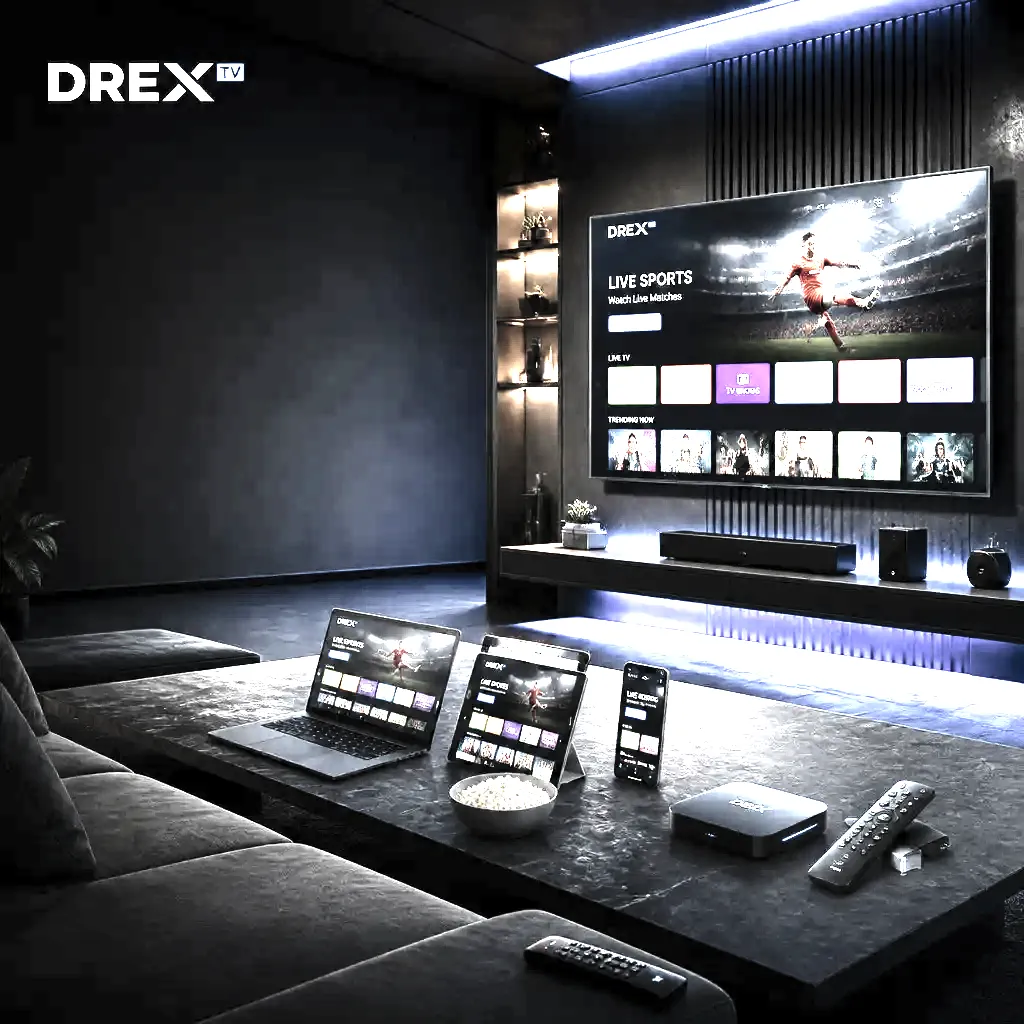
You can watch Arabic IPTV on Smart TVs, Firestick, Android TV, Apple TV, Windows, Mac, iPhone, iPad and Android. The setup is simple: download an IPTV player, add your DrexTV credentials and wait for the playlist to load. The same login works on every device. For a living room, a Smart TV or Firestick is the easiest choice. For mobile viewing, an iPhone or Android phone works perfectly. A tablet is a good middle ground for families. See our setup guide for step-by-step instructions.
Sports and news
Arabic IPTV is often used for live news and sport. The electronic programme guide shows what is on, and some apps support catch-up so you do not miss an important event. You can also record or pause depending on the app. For the best live sport experience, use a device with a wired Ethernet connection or strong 5 GHz Wi-Fi. This reduces buffering during popular matches and breaking news coverage.
Kids and educational programming
Children growing up in the Netherlands benefit from Arabic-language shows that support language learning and cultural connection. Parents can use parental controls in the IPTV app to restrict certain content. Many apps let you favourite channels and create a simple kids list. The ability to watch on a tablet makes it easy to keep children entertained during travel or visits. Arabic IPTV is a practical way to maintain language and cultural ties.
EPG and language support
Modern IPTV apps support multiple interface languages and audio tracks. You can set the app to English, Arabic or another language if available. The electronic programme guide is important for finding shows, and many apps can load the guide automatically. If the guide is in the wrong language, check the app settings. Some apps also allow subtitles, which is useful for bilingual households. DrexTV support can help you configure these settings.
Troubleshooting Arabic IPTV
If a channel does not load, check your internet connection first. Restart the app and the device. If only one channel is affected, it may be a temporary source issue. If the whole playlist fails, re-enter your credentials. Make sure the date and time are set correctly on the device. For Arabic channels with audio or subtitle issues, check the audio track and subtitle settings in the player. See our troubleshooting guide or contact support for help.
Quick checklist for Arabic IPTV
- Pick a device that suits the whole family
- Install a trusted IPTV app and add your DrexTV details
- Use a stable Wi-Fi or Ethernet connection
- Set the app language and EPG to your preference
- Enable parental controls for younger viewers
- Re-enter your playlist if a channel fails to load
FAQ
Veelgestelde vragen
Antwoorden over IPTV Nederland, abonnementen, apparaten en support. Staat je vraag er niet bij? Ons team helpt 24/7.
Arabische IPTV streamt live Arabisch nieuws, series, sport, religie en kinderkanalen via internet in Nederland — zonder schotel. Je gebruikt een IPTV-app op Smart TV, Firestick of telefoon met je DrexTV-login.
Ja. Met DrexTV stream je Arabische nieuws-, entertainment-, sport- en kinderkanalen via internet. Werkt in Amsterdam, Rotterdam, Den Haag, Utrecht, Eindhoven en heel Nederland — geen schotel nodig.
IPTV als streamingtechnologie is legaal. Je hebt geen traditionele TV-licentie nodig — alleen internet en een compatibel apparaat. Kies een betrouwbare aanbieder met duidelijke voorwaarden.
Ja. Android en iOS ondersteunen IPTV-apps. Dezelfde DrexTV-login werkt op telefoon, tablet en televisie.
Ja. Vraag een korte proefperiode aan om beeld, zenders en stabiliteit op jouw netwerk te testen vóór je koopt.
Nee. IPTV werkt over je internetverbinding — geen schotel of kabelinstallatie.
Ja, Arabische IPTV bevat familie- en kinderprogramma's. Parental controls in de app helpen je toegang te beheren.
Klaar om alles op één plek te streamen?
Kies een IPTV-abonnement, ontvang je login binnen minuten en kijk 20.000+ zenders op elk apparaat. Geen contract — vraag een gratis proefperiode aan.