Setup
DrexTV installeren in 3 stappen — binnen 10 minuten klaar
IPTV installeren in Nederland is eenvoudig: geen schotel, geen monteur. Kies je apparaat, installeer een IPTV-app, voer je DrexTV-login in en je streamt binnen enkele minuten. Deze gids behandelt de universele stappen en verwijst naar apparaat-specifieke instructies.
Stap 1: Kies je apparaat
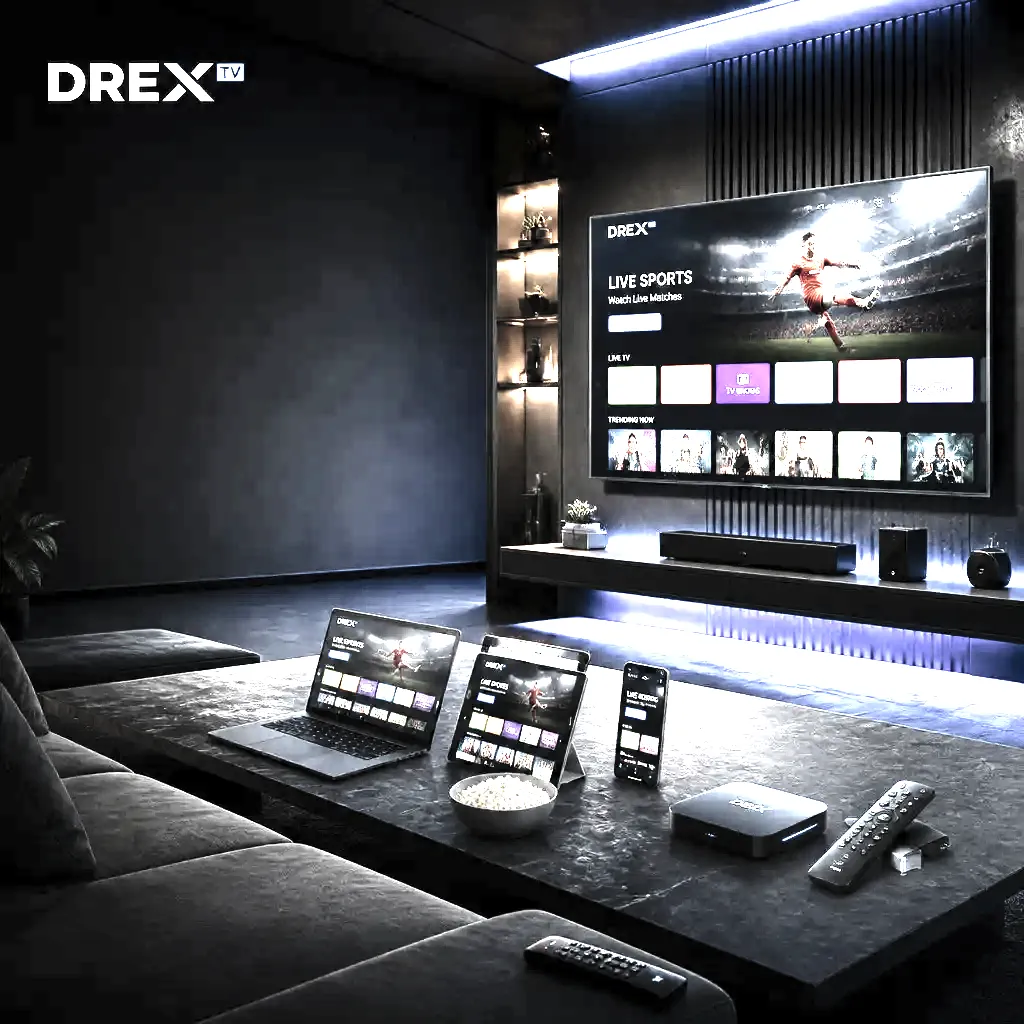
DrexTV werkt op Smart TV, Firestick, Android TV, Apple TV, Windows, macOS, iPhone & iPad en Android. Voor de woonkamer is een Smart TV, Firestick of Android TV-box ideaal. Onderweg: telefoon of tablet. Uitgebreide gidsen: beste setup 2026 · beste IPTV-apps.
Stap 2: Installeer een IPTV-speler
De IPTV-speler leest je abonnement en toont zenders. Populair: IPTV Smarters Pro, TiviMate, XCIPTV, iPlayTV en Televizo. Meestal gratis of eenmalig premium. Installeer via de app store van je apparaat; op Firestick via Downloader. Vergelijk apps in onze apps-gids en Smarters vs TiviMate.
Stap 3: Voer je DrexTV-gegevens in
Na betaling ontvang je per e-mail je login: meestal gebruikersnaam/wachtwoord plus M3U of Xtream Codes. Open de speler, kies de juiste loginmethode en voer alles exact in. De zenderlijst en VOD laden automatisch. Nog geen account? IPTV kopen.
Problemen bij eerste setup
Laadt de app niet? Controleer spaties/typfouten in login of M3U-URL. Probeer een andere speler of herstart de app. Zie IPTV storing, buffering of de FAQ.
Optimaliseer na de eerste login
Favourites voor NL- en internationale zenders, EPG aanzetten, catch-up inschakelen waar beschikbaar. Een paar minuten setup maakt dagelijks kijken veel prettiger.
Later van apparaat wisselen?
Zelfde login op elk ondersteund apparaat: speler installeren, gegevens invoeren, klaar. Let op het aantal gelijktijdige verbindingen in je plan. Overzicht: ondersteunde apparaten.
Hulp nodig?
Support helpt 24/7 met app-keuze, login en instellingen. Ga naar de contactpagina.
FAQ
Veelgestelde vragen
Antwoorden over IPTV Nederland, abonnementen, apparaten en support. Staat je vraag er niet bij? Ons team helpt 24/7.
Most users are watching within 5 to 10 minutes after installing the app and entering their credentials.
Usually no. If you experience issues, disabling DNS hijacking or enabling QoS for the streaming device can help.
Yes, but the number of simultaneous streams is limited by your plan. You can switch devices at any time.
IPTV Smarters Pro is the easiest for beginners. TiviMate is more advanced. iPlayTV is great for Apple users.
Klaar om alles op één plek te streamen?
Kies een IPTV-abonnement, ontvang je login binnen minuten en kijk 20.000+ zenders op elk apparaat. Geen contract — vraag een gratis proefperiode aan.